# RedisRaft - 使用说明
从官方仓库看测试可以分为两大类:
- 功能测试:即单元测试、集成测试,https://github.com/RedisLabs/redisraft/tree/master/tests
- 正确性测试:即混动工程测试,https://github.com/RedisLabs/redisraft/tree/master/jepsen
## 一、功能测试
基于docker运行测试case
先运行一个容器
```
docker pull debian:buster
docker run -d debian:buster -- tail
docker exec -it 121df5d7a654 bash
```
进入容器后安装一些工具
```
apt-get -y -q update && apt-get install -qqy git wget build-essential virtualenv cmake
```
拉取redis、redisraft代码并编译
```
cd ~
git clone https://github.com/redis/redis.git
cd redis
make
cd ..
git clone https://github.com/RedisLabs/redisraft
cd redisraft
mkdir build && cd build
cmake .. && make
cd ..
```
运行测试case
```
mkdir -p .env
virtualenv --python=python3 .env
. .env/bin/activate
pip install -r tests/integration/requirements.txt
cd build
make tests
```
测试结果
- 集成测试


- 单元测试
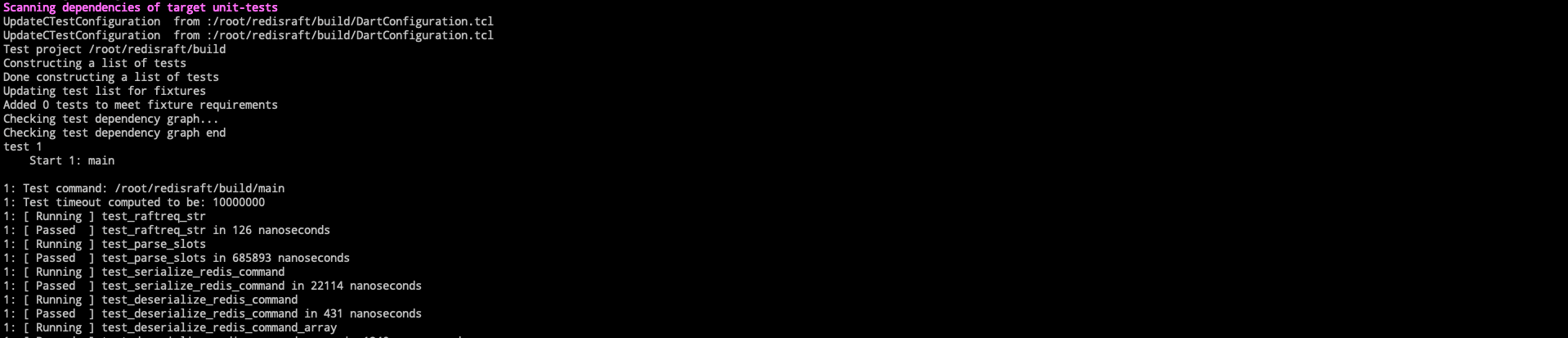

- 详细日志
[test.log](https://github.com/OpenAtomFoundation/pikiwidb-raft/files/14996692/test.log)
- 如果要单独跑某个case
```
cd ~/redisraft
pytest tests/integration/test_snapshots.py::test_snapshot_delivery -v --log-cli-level=debug
```
## 二、正确性测试
### 2.1说明
基于Jepsen构建
> Jepsen是Kyle Kingsbury使用Clojure编写的分布式系统测试框架。Clojure是运行在JVM之上的Lisp方言,提供了强大的函数式编程的支持。Leiningen是Clojure的项目构建工具,类似于Maven。事实上,Leiningen底层完全使用Maven的包管理机制,只是Leiningen的构建脚本不是pom.xml,而是project.clj,它本身就是Clojure代码。
### 2.2 在docker中运行
```
cd jepsen/docker
./genkeys.sh
docker-compose build
docker-compose up -d
docker exec -w /jepsen jepsen-control \
lein run test-all --ssh-private-key /root/.ssh/id_rsa \
--follower-proxy \
--time-limit 600 \
--test-count 50 \
--concurrency 4n \
--nemesis partition,pause,kill,member \
--redis-repo https://github.com/redis/redis \
--redis-version unstable \
--raft-repo https://github.com/redislabs/redisraft \
--raft-version master
```
执行完前四个命令行后会发现启动了如下容器:
 查看Dockerfile脚本发现,在 control 容器中你实际是部署了 https://github.com/redislabs/jepsen-redisraft ,这个仓库是使用Clojure编写的、基于jepsen的、用来测试redisraft的工具。
运行起来后可以通过网页 http://127.0.0.1:8080/ 查看
- 运行记录
查看Dockerfile脚本发现,在 control 容器中你实际是部署了 https://github.com/redislabs/jepsen-redisraft ,这个仓库是使用Clojure编写的、基于jepsen的、用来测试redisraft的工具。
运行起来后可以通过网页 http://127.0.0.1:8080/ 查看
- 运行记录
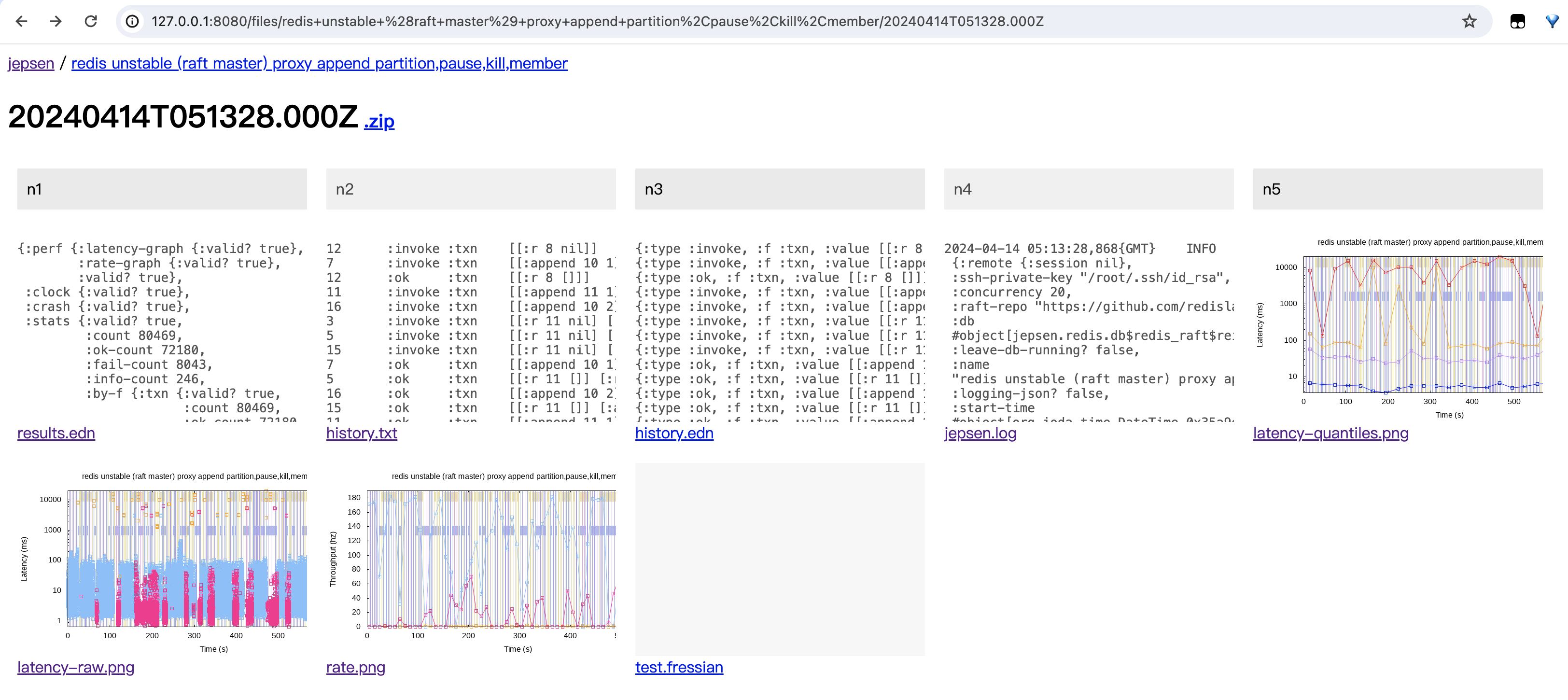
 - 某次运行详细信息(每个文件功能待分析)
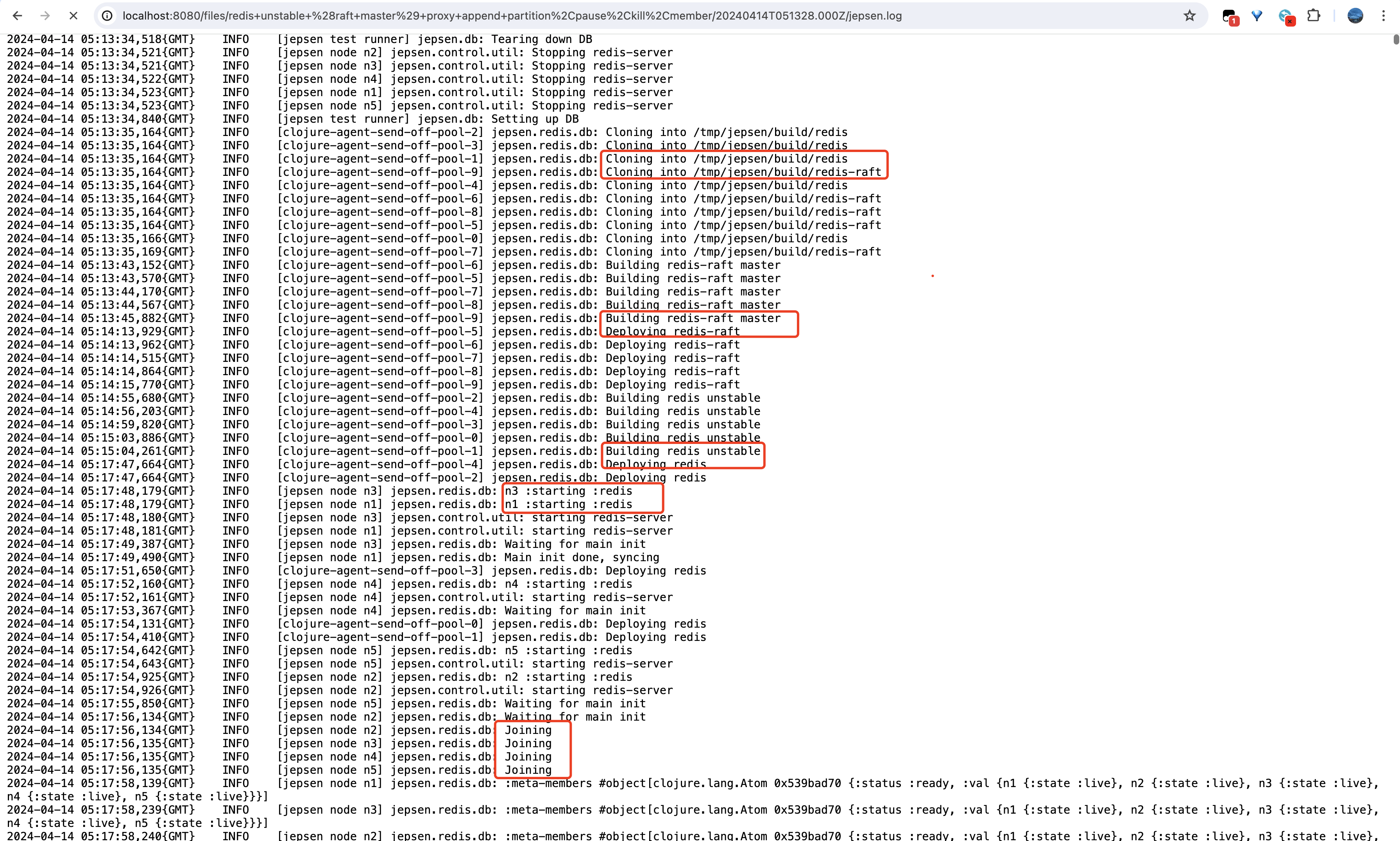
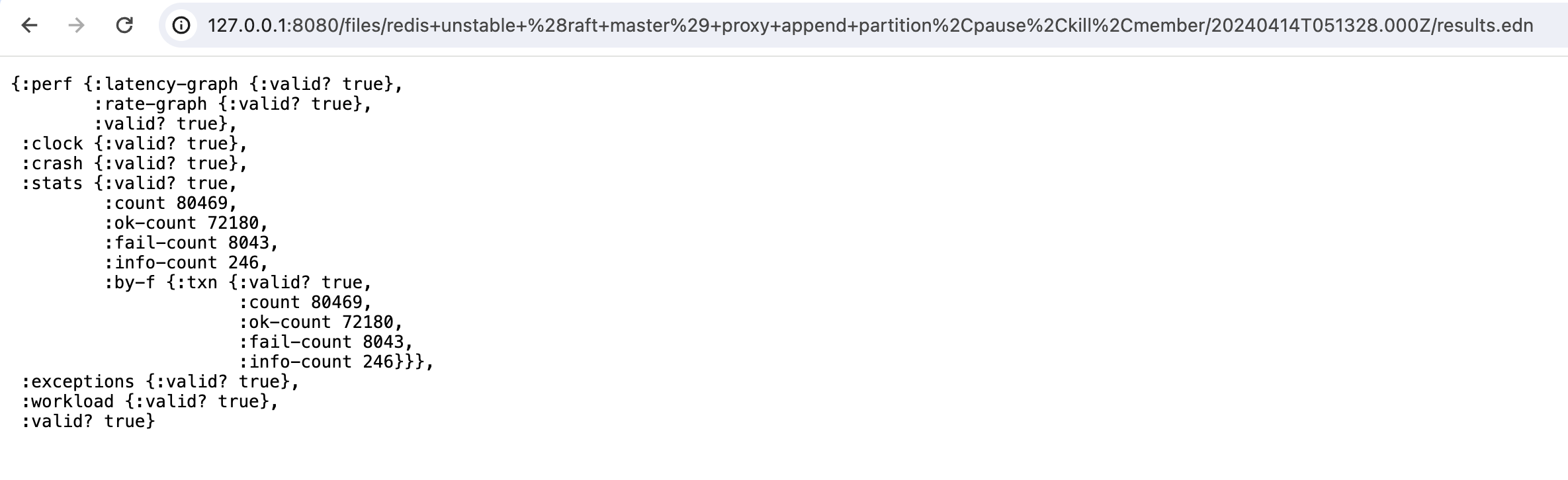
 - 得益于jepsen-redisraft,下载、编译、启动、读写数据、验证数据等操作都可以自动化完成
 ### 2.3 参考
- https://www.leviathan.vip/2018/05/15/Jepsen%E7%9A%84%E4%BD%BF%E7%94%A8%E4%B8%8E%E7%BA%BF%E6%80%A7%E4%B8%80%E8%87%B4%E6%80%A7/
- https://www.liaoxuefeng.com/article/986637181910336
### 2.3 参考
- https://www.leviathan.vip/2018/05/15/Jepsen%E7%9A%84%E4%BD%BF%E7%94%A8%E4%B8%8E%E7%BA%BF%E6%80%A7%E4%B8%80%E8%87%B4%E6%80%A7/
- https://www.liaoxuefeng.com/article/986637181910336